Configuring Bulgarian Domain
The story
I have bought quite a few domains, most recently the .dev domain for this blog, I usually use Namecheap it's getting along pretty straight forward: you search, choose, pay and that's about it, you can now configure it and make it yours.
But this is not the case for domains which are .bg for those you need to do the following:
Find a Bulgarian web hosting provider(Most of the provide domains also), I've used JetHost
Search for the domain you desire, there a lot to choose from, the prices may vary from provider to provider so you need to do your own research before hand, from what I saw there are between 20€ - 30€ as I said it depends
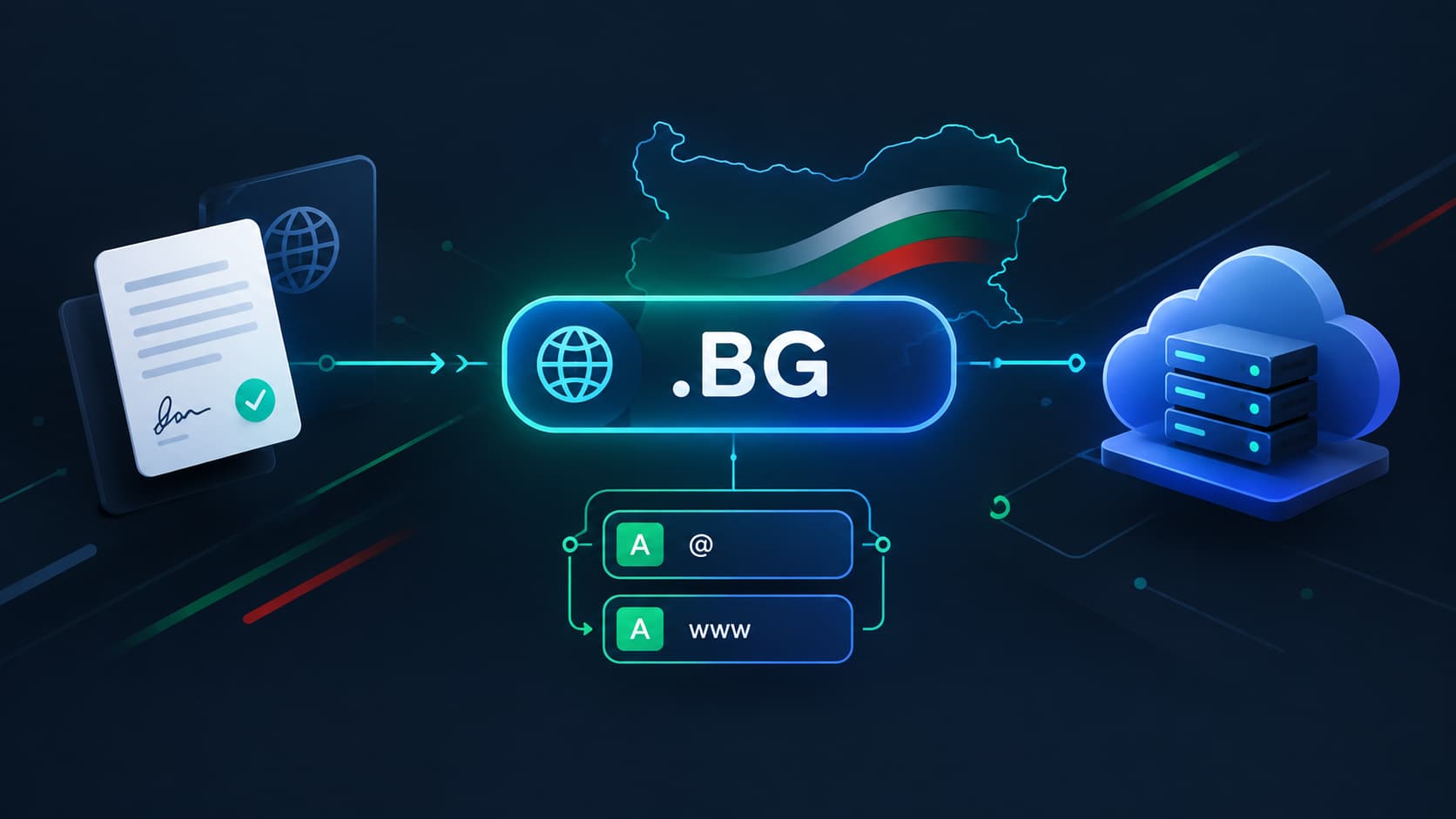
Here comes the most interesting part, after you purchase the domain, you need to register it at register.bg, otherwise you can't use it, doesn't matter that you payed for it, you can't use it until it's properly registered
The process
After I've payed for the domain I received and email from the provider containing a document, which should be signed and sent back to them so they can finish the registration for the domain, in the beginning it felt a bit odd, "Why I need to all this things, it's just a domain"
Well it turns out that it's mandatory, every domain should be registered and a certain information should be verified and later made public
Companies like Namecheap are doing those things for you, but for the Bulgarian specific domains if you are person, who wants the domain you need to signed the documentation, the options that were provided to my by the provider were:
For companies, the document should be signed by the CEO or someone who can officially sign documents for the company
For non-company person, like me print the document, signed it in front of registered Notаry and therefore Notaried
Sign the document with electronic signature(For which I've opted out in the end)
For the physical documents, you either need it to sent to the provider via courier or go there office and signed in front of them, verifying your identity that indeed you are the person, who wants to by the domain, when this is done you need to wait couple of days for registration procedure. For me it was only a few minutes because of the electronic signature(Thank god...)
One thing I want to mention here: If you are doing the signing electronically you need to use specific signature that uses personal identification number in order to be valid for those type of documents, which for me was kind of strange, because I've used those type of signing before and there weren't any problems with it, I guess it depends on the documents you need to sign.
For the configuration it depends to what host provider you use, in my case I'm using Laravel Cloud where it's a breeze to add new domain, the provide you with the DNS records that you need to add and they are very quickly verified so you can easily start using it(I salute you Taylor Otwell)
One more thing: If you opt out to use JetHost for you provider, when adding the new DNS records, you need to be aware of that there form is a bit odd(or at least it was for me) maybe I was too use to what the Namecheap provided to me for the other domains I need to configure.
In my case I need to add two new A records, the problem was that their form does not have additional field for the record type the have only name and value, I was confused because for the name of the records I need it to use @ and www not the actual name that were provided. after a dozen of tries and ultimately errors with the help of my friendly resident LLM I was able to figure it out and configure it properly and it's now up and running you can check it out: https://autosearch.bg
Conclusion
For me it was and interesting experience, because I have never before purchased or registered such domain, now I went through it I'm very glad that I was able to sign the documents electronically and I spared myself from printing the documents. finding a Notary and waiting in line to be verified for which there is a price(Which is not always an appropriate amount...). It was a useful experience there were of times that I was frustrated with the design choices of the provider that I've used...but this is the web for you.
Share this post