How I developed and published my first mobile app
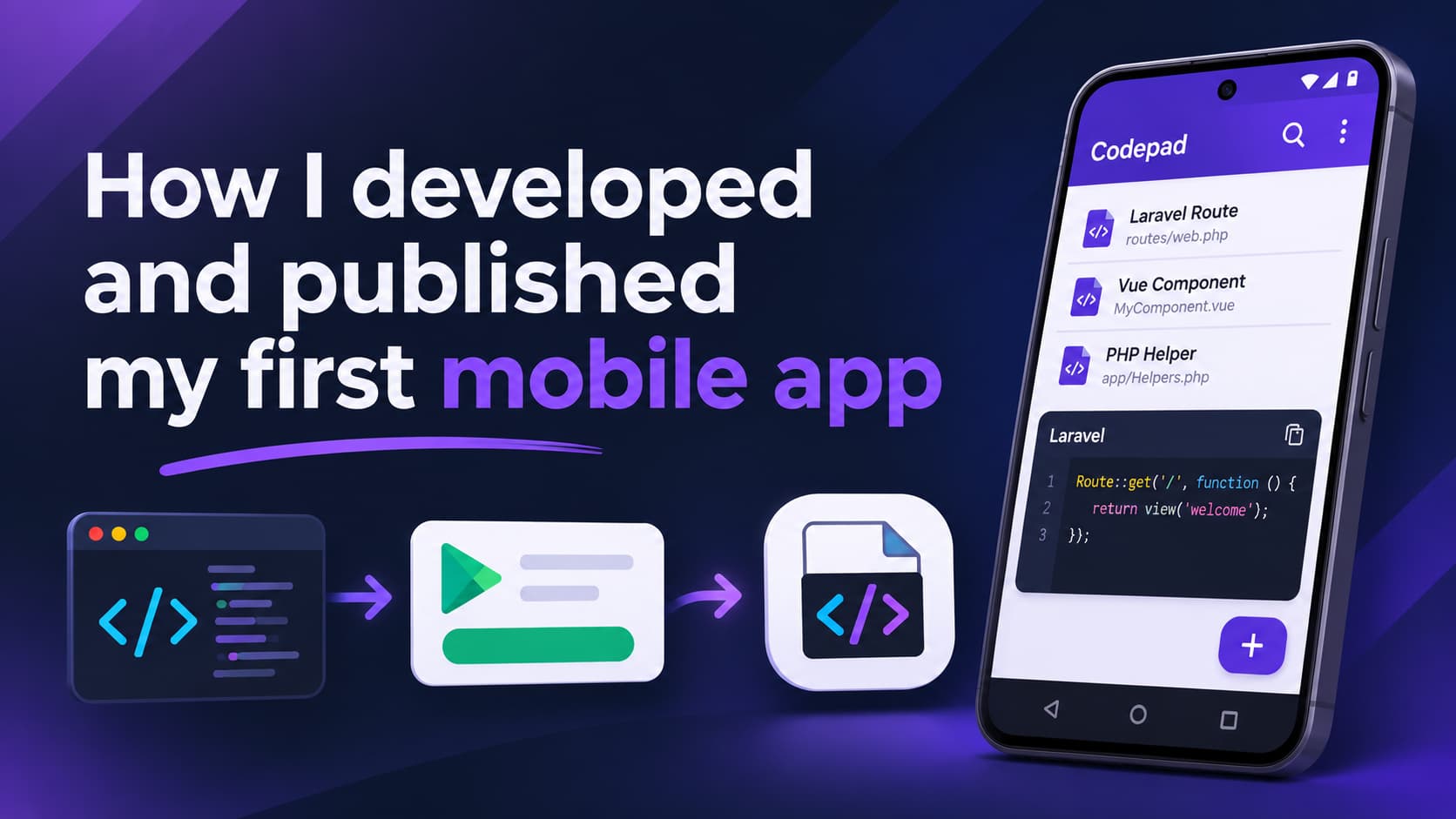
Before you start if you want to have a look at the finished product: go on
The idea
For a long time I had something on my mind, an idea for mobile application, for a long time I was hesitant because my last run in with mobile application development and Flutter in general did not went very good...
But then Simon Hamp , Shane Rosenthal and the team started to cook something very interesting: NativePHP and that was everything I need it, since I saw you can literally develop mobile apps with Laravel & PHP I got down work.
The process
In the beginning it was a bit of trial and error, I've started on one of the earliest versions and then newer and better versions were released and I just had to get them, each of them gave me something I needed for my application and then piece by piece the application starting come along.
First it was the logic behind how the data will be saved, how it will be input by the user, how to the highlighting of the text for the different programing languages, but thankfully there is a package with name of phiki/phiki that made the things hell of lot easier in this regard, then I've started small with PHP develop it, test it, improvement and then again after I was happy with what I had for PHP I've continued with JavaScript just to be on the save side, since I have an experience with it I know how the highlighting should look like and then little by little the other also came along, with every language that I've added I learned something that I could use with the others to improve in some aspect.
And after a few months doing a work whenever I could the application had it's first version it was on the raw side of cook but it was something that I've worked hard on and I was happy about it.
And that was the easy part, because as I learned the hard way, after the initial development is over there are a lot more that needs to be done before you even think of uploading it on Google Play...
So I've started testing to iron the things out, to fix what I found as problems and bugs, it wouldn't be possible with Jump from the NativePHP team amazing application it allows you to start a development server on your machine from which your mobile application can be served and using the Jump mobile application scanning a QR code provides your application can run on an actual device and you can test it somewhat the it will be used when it goes to production, enormous help it saves you a lot of time looking for other solutions like building APK upload it somewhere then download and install it on your phone, with Jump the changes you've made are almost instantly available and you can test it.
So after I did that I've started to think about uploading it to Google Play to see what is in store for me there and then it began...
Uploading the application is literally the easiest thing from the whole process...trust me I know...
Once you upload it there a ton of things that you need to do:
Internal testing - you can do it yourself one or to people can enroll to test it, nothing special
Open testing - me I've skipped that since it implies that you should provide your app in the open and people with test it for you
Closed Testing - now that's the interesting part if you created your account before November 13, 2023 you are in the clear, a few tests from you and you can apply for production - no problem, but if you created your account after that date as is my case...well you need to do some testing...
Google requirements are pretty clear:
At least 12 testers
For at least 14 days
Since there is a requirement to provide a list of email of those testers I was thinking: "I'm going to find those people and just ask them to enroll and I will do the testing myself", wrong! I couldn't not find somewhere in Google Play console to say it specifically but there is another requirement here: Those 12 testers should actually use the application, which means that they need to open it every single day in this 2 weeks period and use it, which means at least 30 seconds and trust me when I say it's a hard requirement...if you don't abide it you won't get production access when you apply for it and it's not only that, if you don't update your application in the aforementioned period Google Reviewers can reject it again, because if the people are testing your app why you don't fix anything?
More about what can go wrong in your application for production you can read in this article
The solution for me: Tester Community they just saved the day for me, they provide you with the ability to join their community and became a tester, when you do that you provide your own application so the people can test it, in the mean time you can test someone else app and help it get approved.
There are payed tiers which provide you fast and 100% guarantee(If you do everything properly, see the article above) that your app will be tested and you will gain an approve for production.
I wen the other route with the free tier which provides you two ways of you to get your app tested:
Install their application, register and provide your application for people to test it from the app homepage
Join a "Wolf Pack"(I know right, so cool) for 16 days with other 15 people which also need their applications to be tested, so you generally help each other
What you need to do:
Install all other members applications
Open them every day and use them for at least 30 seconds
There are rule that should be followed of course and it's a process, it takes time, but I can guarantee you that, if you are serious and consisted about it in the end you will get what you need as I did.
It's simple you help others and others help you, that's it
From my experience, it's exiting new way to meet people, fellow developers which are the same path as you, you will have the chance to try new applications and give your opinion of them in general it was great for me I really enjoy it and recommend it!
The final result
So after going the whole nine yards, my application is in production !
https://play.google.com/store/apps/details?id=com.ivalinvenkov.codepad
The application is live and can be installed by everyone so go ahead, give it a try you might just like it.
There are a few screenshots that you can see to get an idea what it actually looks like and what you can with it, if you opt out to use it will mean a lot to me.
Conclusion
It's bin a process that's for sure, but enjoyed every part of it it give me a new knowledge of something that I generally taught is quite interesting for so long and now when went through the process and know what it takes I see it differently then before for sure.
It means so much, knowing how much time and effort I put in it, now I have even more ideas how it can be improved so expect a few new release in the coming weeks.
Share this post