Test & Debug Chrome extension
When it comes to testing and debugging and testing such an extension, it’s not the same as for other projects, and I learned that myself when I was tasked with the development of one those.
The main point for every extension is
Extensions page where all the extensions are listed:
You first need to enable Developer Mode in order to see the buttons mentioned below:
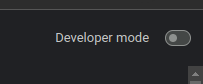
Enabling this mode will give more controls to use
Once this mode is enabled you will be able to see the additional buttons:
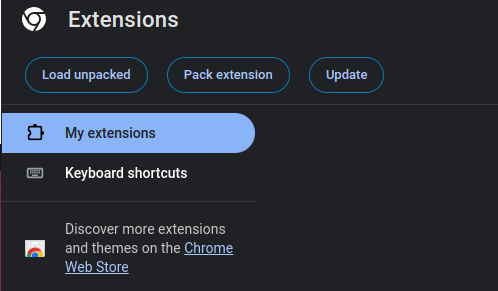
Load unpacked is the button used for loading testing extension
On that same page there’s a button called Load unpacked from which an unpacked extension can be loaded to be used as a normal one.

Using the arrow you can quickly reload the extension
In order to do that, you need to load the build folder from the project’s directory.
After it’s loaded, you can reload it when changes are made so the changes can be seen in the browser:
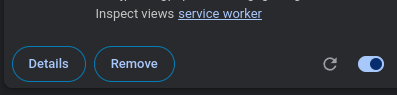
Another crucial part of the debugging process is the services worker. It’s serve as the back-end of the extension when opened you will see the dev-tools for it. You also can see a console and request as a normal page. Using them, you can easily track the requests made and see any logs that are made within this background process.
All the console.log are shown in the console tab of the aforementioned service worker window.
Conclusion
This is quick and reliable way of testing you extension while developing it, it can also help you "peek under the hood" of an extension you are curious about. Either way it's a good thing to know.
Share this post