Using command aliases for Laravel Development
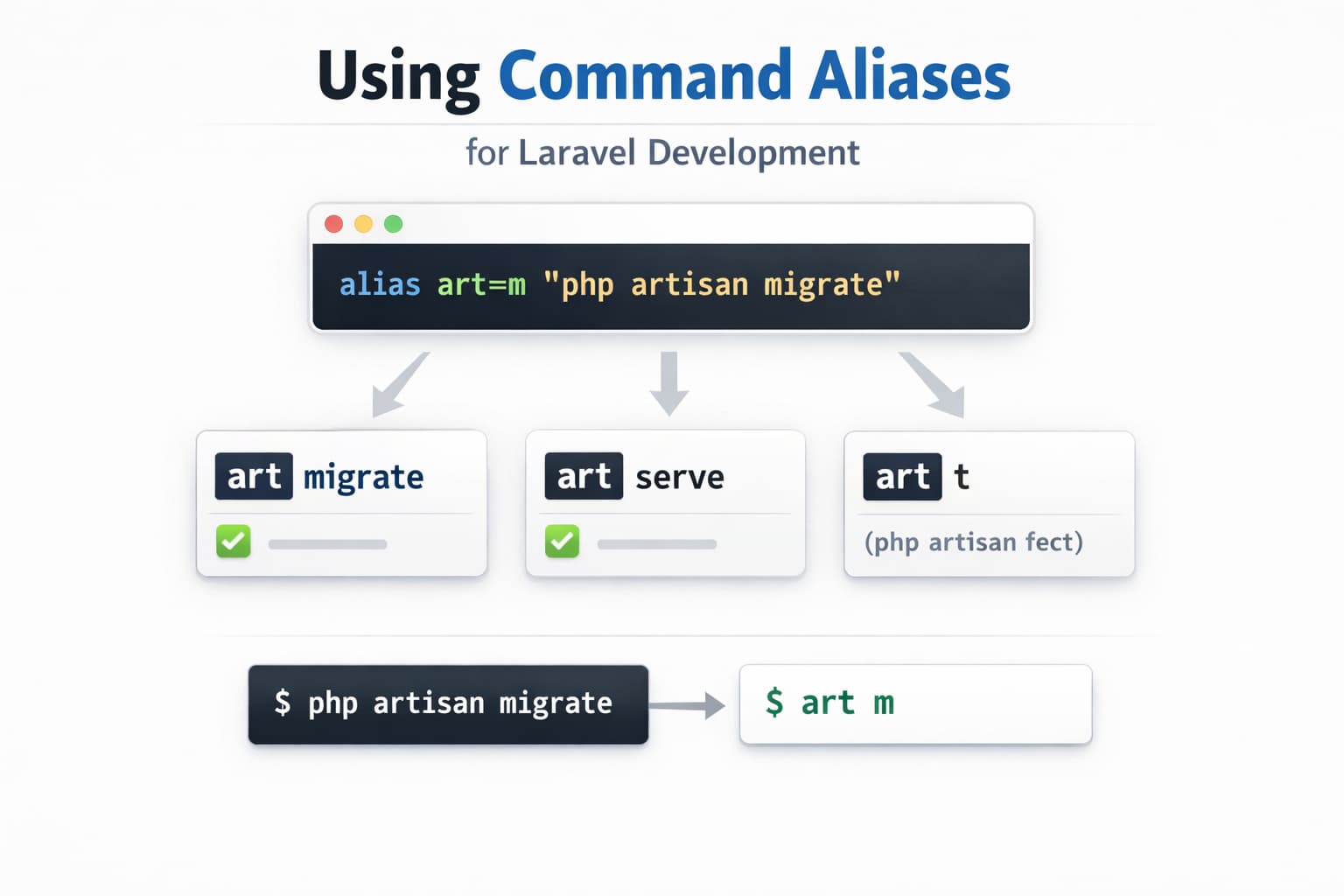
I recently found myself extensively typing commands such as:
php artisanor
php artisan tinkerso I’ve decided to look for a way to create aliases which will shorten those commands and speed my workflow(I know it does not seem like much but helps)
There are quite a few articles and sources on this topic such as this article from Laravel News or this video on the Laravel Daily channel I personally think it’s just a matter of personal preference the rest is to know how to create such aliases
This is an example for Ubuntu, since that’s what I’m using
echo "alias cls=’clear’" >> ~/.bash_aliasesSimple as that, the only thing after running the above would be to restart your terminal session and you’d be good to go.
Now I mainly use:
tinker - for starting laravel tinker
mg - for running migrations
t - for running tests
srv -for starting a development server
A few articles showcasing different preferences:
Laravel News in 2017: Bash aliases https://laravel-news.com/bash-aliases
Tweet from Laravel News with aliases: https://x.com/laravelnews/status/1686...
Tweet by Taylor Otwell about “composer setup”: https://x.com/taylorotwell/status/197...
Conclusion
You can easily speed up your workflow by using such command aliases, you can create one for your most used commands.
Share this post